frequently asked questions
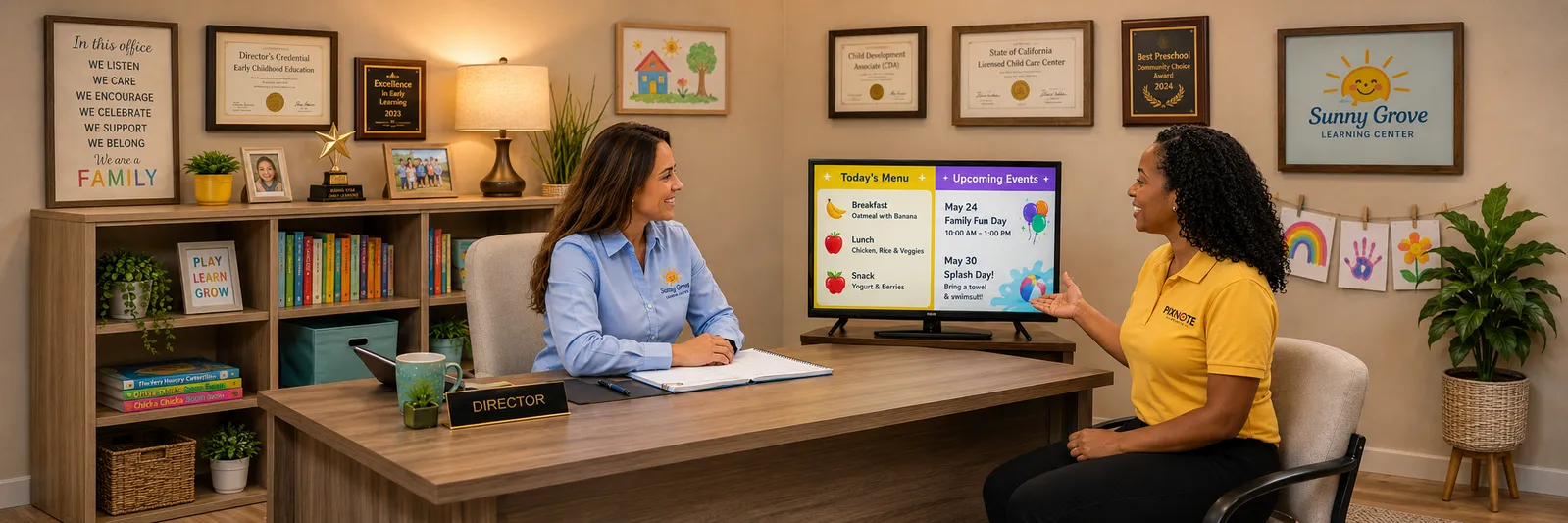
Everything you need to know about bringing a Digital Parent Board to your center.
What is a Digital Parent Board?
It is a modern screen we place in your lobby or entryway that displays your announcements, menus, events, celebrations, and reminders in a clean, professional format. Think of it as your bulletin board, reimagined. It keeps families informed the moment they walk in, without the paper clutter or the constant reprinting.
How much work is this for my staff?
Almost none, and that is the point. You send us your updates, and we handle the rest. We design the slides, schedule them, upload them to your screen, and keep everything current. Your team stays focused on the children and families, not on formatting flyers.
Do we need any technical skills or special equipment?
No. We provide the screen, install it, and manage it remotely, so there is no software to learn and no IT knowledge required. If you can send us an email, you can use PixNote Media.
What can we display on the screen?
Just about anything your families need to see. Common examples include:
- Upcoming events and field trips
- Daily or weekly menus
- Birthdays and classroom celebrations
- Announcements and reminders
- Student spotlights and staff shout-outs
- School closures and schedule changes
- Community resources for families
- QR codes for forms, sign-ups, and surveys
Who creates the content?
We do. Our team designs every slide to match your center's look and feel, using your colors, your logo, and your voice. You get polished, on-brand visuals without needing a designer on staff.
How often is the content updated?
We keep your board fresh with regular updates so the information families see is always current. The frequency and level of customization depend on your plan, and we will walk you through what makes sense for your center.
How do we send you our updates?
It could not be easier. We provide a simple submission form where you can enter your announcements, menus, and events and upload anything you like, including photos, documents, and even handwritten notes. Send it over and we turn it into finished, polished slides. We will set up a simple routine during onboarding so it becomes second nature.
How does getting started work?
It is a straightforward process. We begin with a quick conversation about your center and where the screen will go. Then we prepare and professionally install the display, load your first set of content, and give your team a short orientation. From there, we manage everything for you.
Are we locked into a long-term contract?
No. Our plans are month to month, with no long-term contracts. We would rather earn your business every month by doing great work than hold you to a lengthy agreement.
How much does it cost?
We offer a range of monthly plans so you can choose the level of support that fits your center, priced per screen. Because every center is a little different, the best next step is a short conversation so we can recommend the right plan and share pricing tailored to you. Reach out any time and we will take care of you.
What if something goes wrong with the screen?
We have you covered. Ongoing technical support is included, and because we monitor and manage your screen remotely, we can usually resolve issues quickly and without a service visit. If you ever notice something, just let us know.
Is PixNote Media a good fit for a center like ours?
Very likely, yes. We work with childcare centers, preschools, private schools, indoor play facilities, and other family-focused spaces of all sizes. You do not need a large enrollment to benefit. The value comes from clearer communication, saved staff time, and a more polished experience for the families who walk through your doors each day.